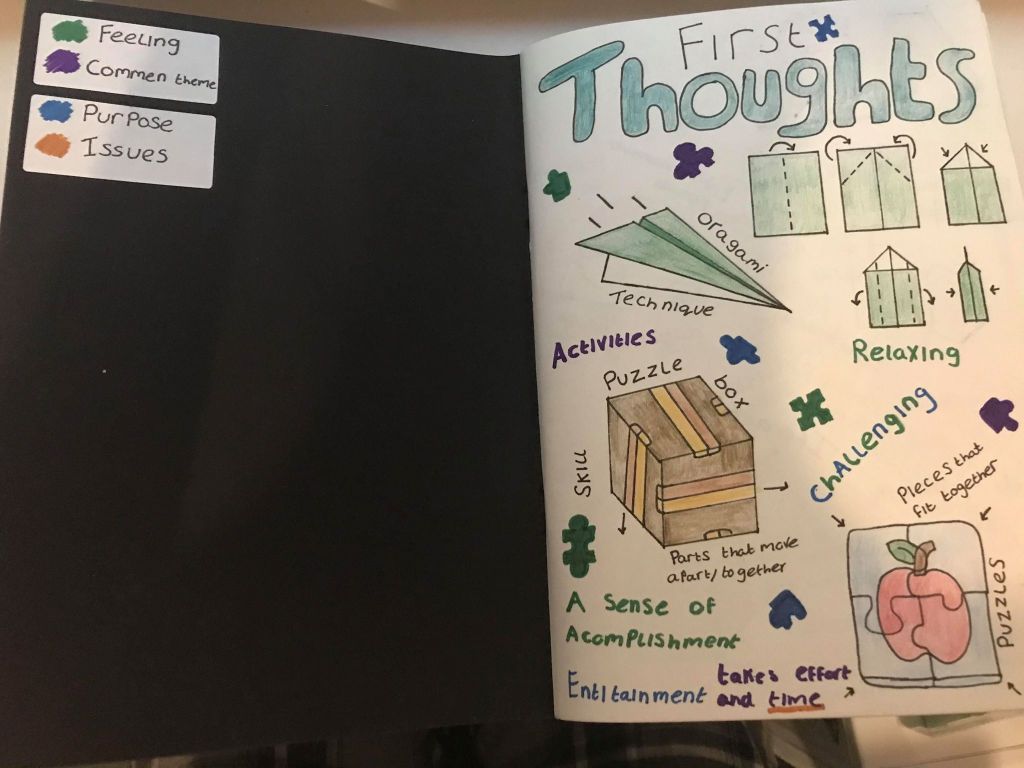
My first thoughts –
At the start of this project I set high expectations for myself laying out some rules that I wanted to stick by. I used a colour coding system at the beginning of my book and set each colour to a word that I would explore through annotations. This helped to mark out what I was thinking at the time and what issues may arrive with going forward with a specific idea. This was short lived as my book became more of a space to test and prototype rather than explore ideas and there uses.
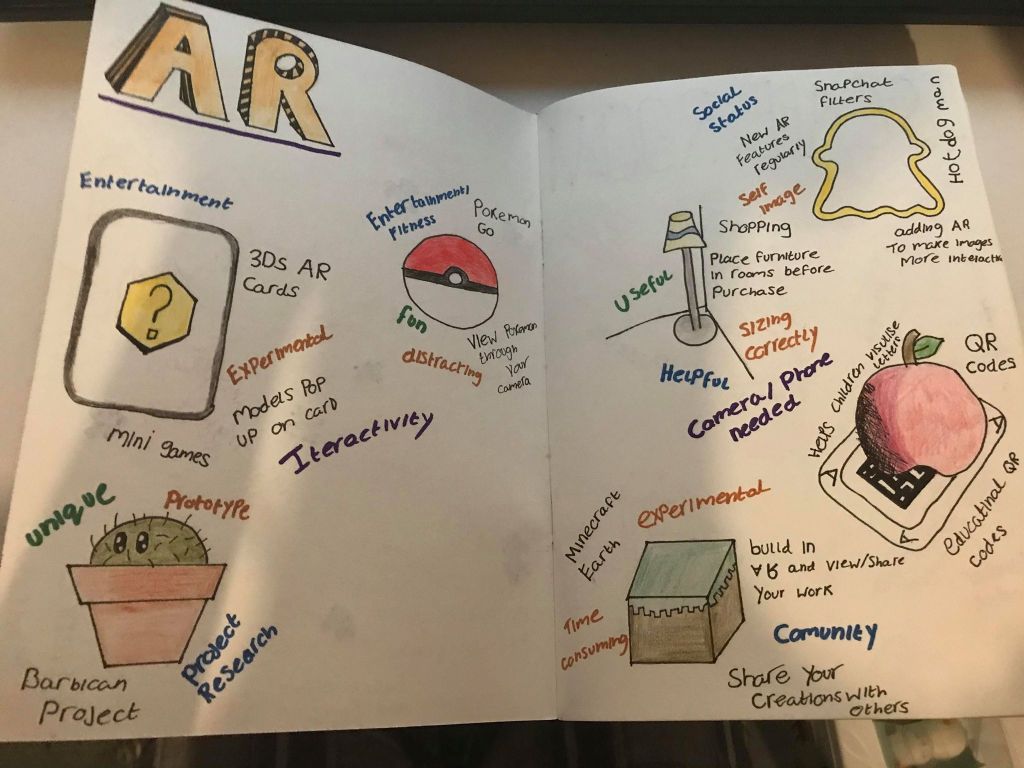
AR I know already –
My second thought when beginning this project was to identify what I already know about AR and how I could use previous software and apps to help me understand AR and its successes. The main theme I found with AR is that it would need some sort of interactivity to be useful to people or be a repayable experience that would change each time. From this I wanted to look more into how AR works and what requirements it needs to work correctly.
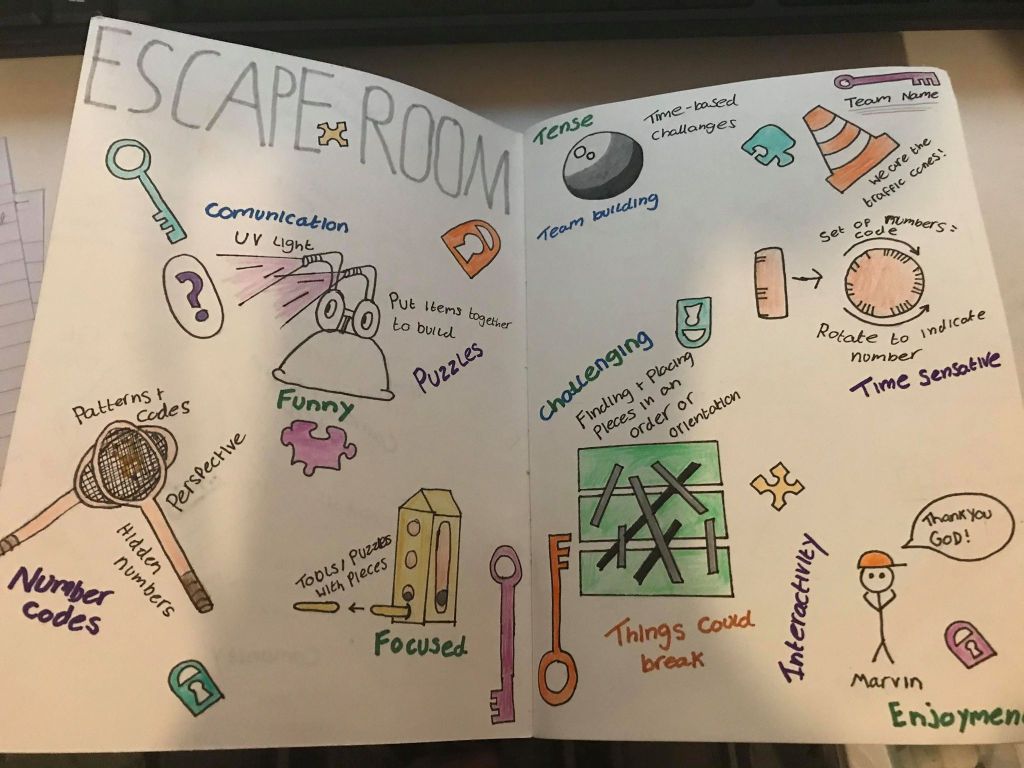
The Escape room Field trip –
On visiting the escape room we were split into groups so we could tackle one of the rooms. As images were not allowed to be taken after we had finished I tried to recollect all the main pieces of the experience and jot them down in a loose fashion so that they could be referenced in different ways and not copy the experiences mechanics directly.
I found the experience to be very useful when it came to thinking about how to produce an AR artifact, this was mainly through the interactivity and playfulness of the escape room. I wanted to create something someone could interact with but for that interaction to bring a playful aspect to the space it was activated in.
After doing research in the space my group wanted to have our experience in we began planning out how things could look and work within the environment.
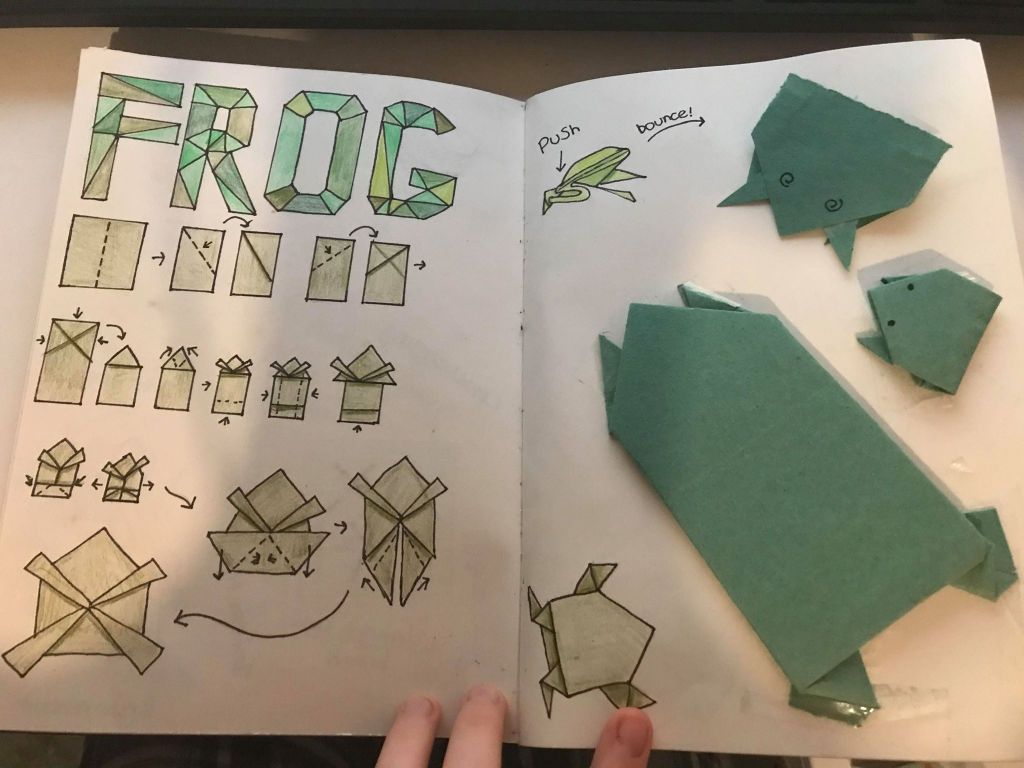
Frog Origami –
I started my origami experience by creating some test pieces and making sure I document how to fold them as that is what I wanted the interactive element of our experience to be. By being able to have the instructions on the side I was able to receive feedback by my peers to see if they were easily followed or needed adjustment for my idea.
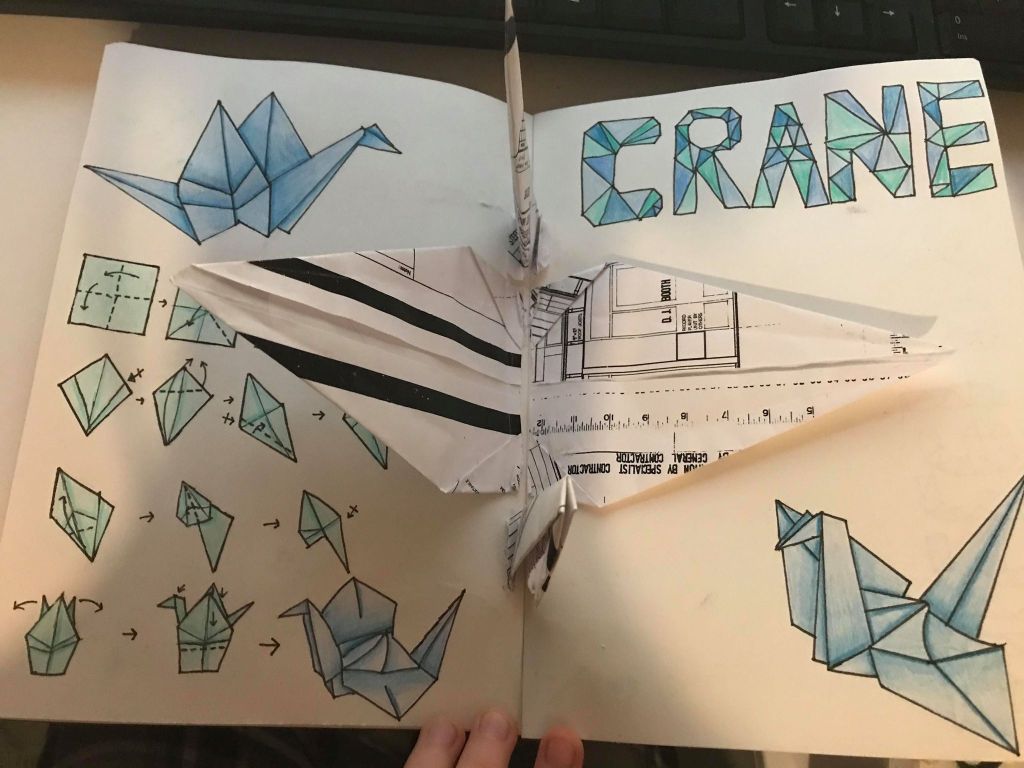
Crane Origami –
I imagined users being able to build the crane and be able to throw it around the space, Possibly having a mini game where the user would have to keep taping the crane to keep it up in the air or having the user get to steer the crane around the space almost like a drone or remote controlled car.
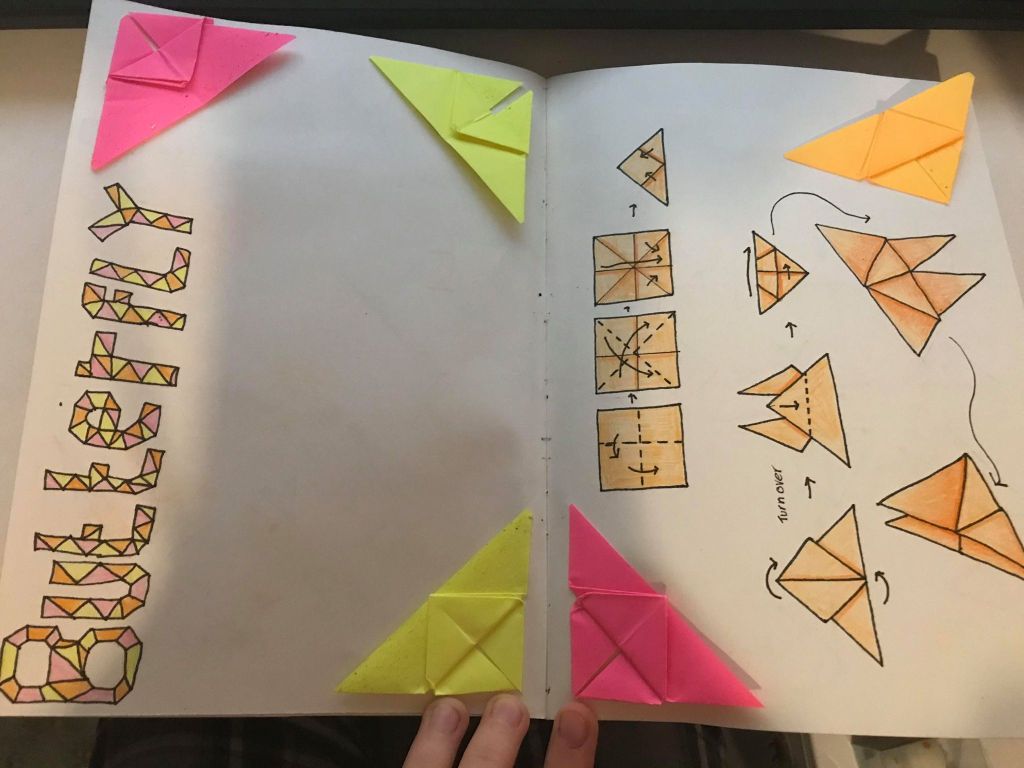
Butterfly Origami –
For the butterfly’s i imagined users playing a butterfly match up mini game where you have a time limit to match up as many pairs of butterfly’s as possible. By this point my group has settled on the Greenhouse/Graphics room which I felt this idea would go great with. Having some of the graphics materials be on the butterfly’s would link both of the spaces of past and present.
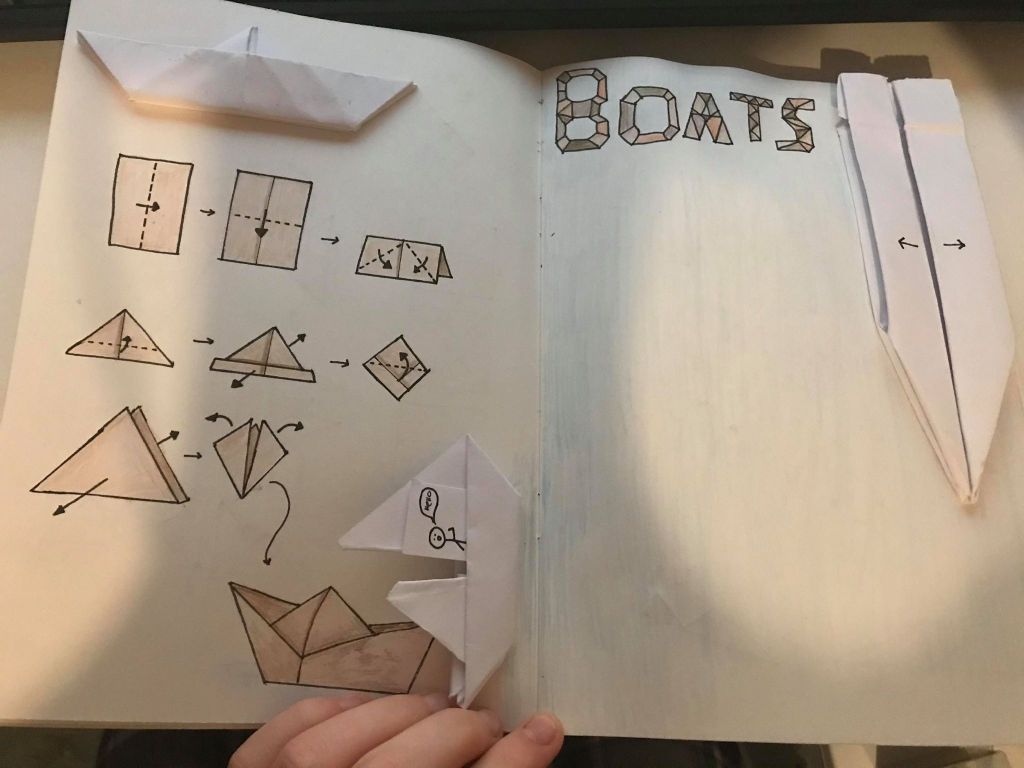
Boat Origami –
I had fun with the different variants that could be created with this origami, for this interaction I was thinking it could be more of a visual pleaser rather than an interaction unless it was the same as controlling the crane. Possibly having the boat being controlled by the user you would sail it on a flat space within the room and have it collect items as points or have it be a race.
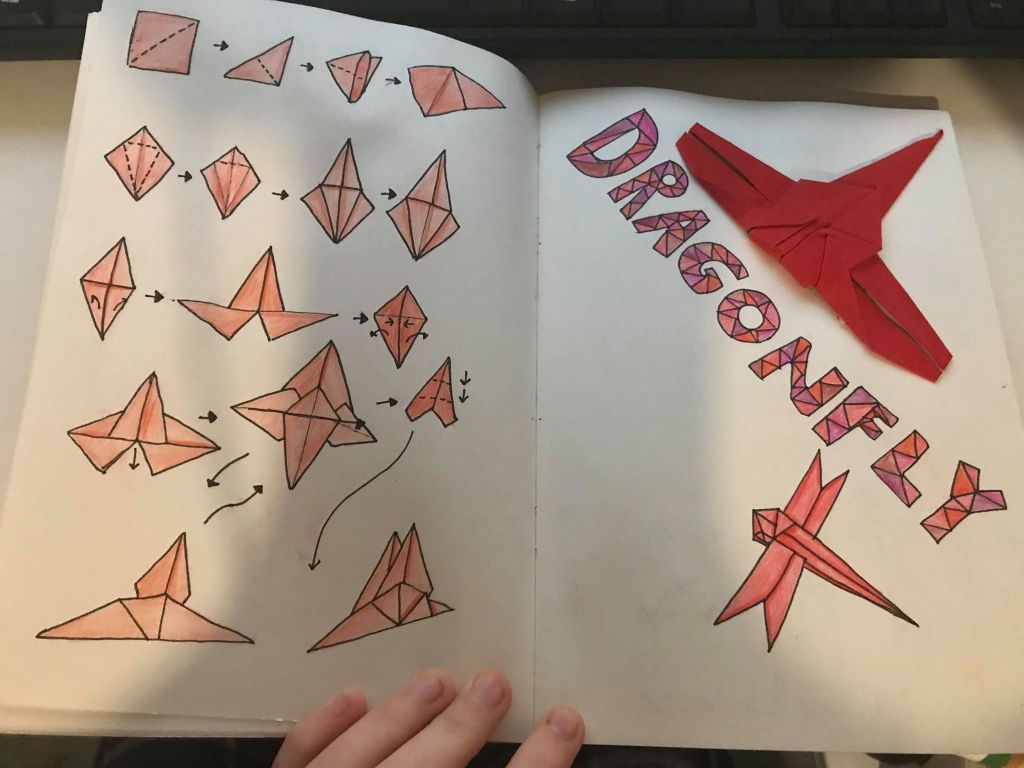
Dragonfly Origami –
I felt that having something fly through the room would add the the feel of the experience and give users an added sense of travelling back into the past. Dragonfly’s would start to appear and fly on a set flight path around the sky, Possibly having some hover around the user when they are watering plants.
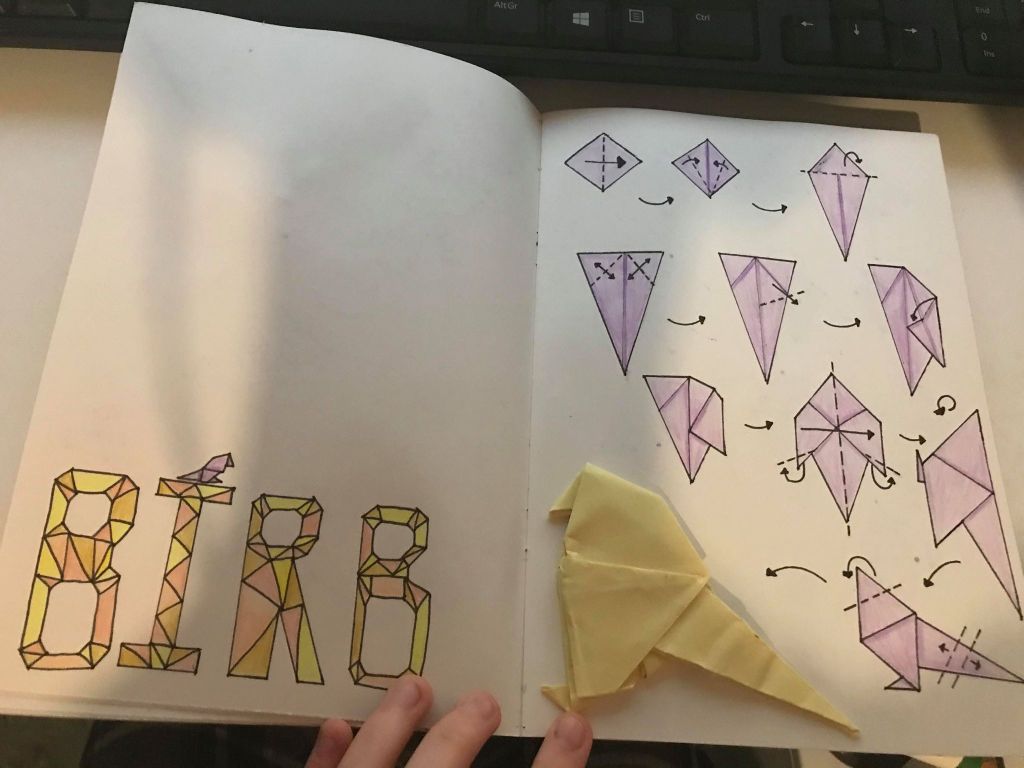
Bird Origami –
For our experience we wanted the space to be both visual and interactive but also include sounds of the environment and animals within the space. Almost like building up and orchestra as you collect more origami animals the more sounds would start to play making the user feel like they were apart of the space.
The bird would be a nice edition to the sound effects we wanted to incorporate and possibly having them sit around the room up high you could click them and put your finger flat in front of the camera to initiate that they fly down and land on your finger. I feel that this would very much connect the user to the environment and make them feel like they are really apart of the experience and can interact and effect the environment.
Iris Origami –
For the greenhouse experience to resemble a greenhouse we wanted to include plants and flowers either real or origami made so I decided to experiment with this a little and see how hard making an origami flower would be. I can say it was allot harder than expected and I felt that the plants couldn’t be made out of origami and grow like we wanted them to be when watered. We decided to look into paper-make instead of origami for the plants and have the plant switch between states rather than being built like the animals.
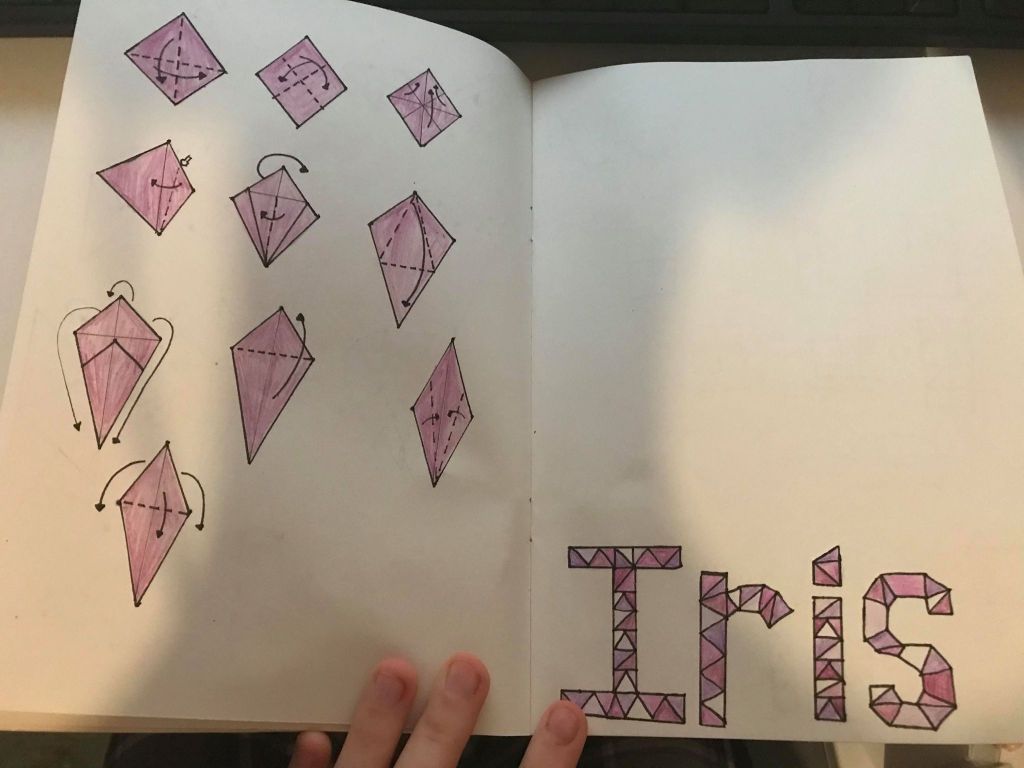
Unfortunately with this project having physical origami to put into my book once I had finished all the drawing and writing I lost some of the pieces I made.

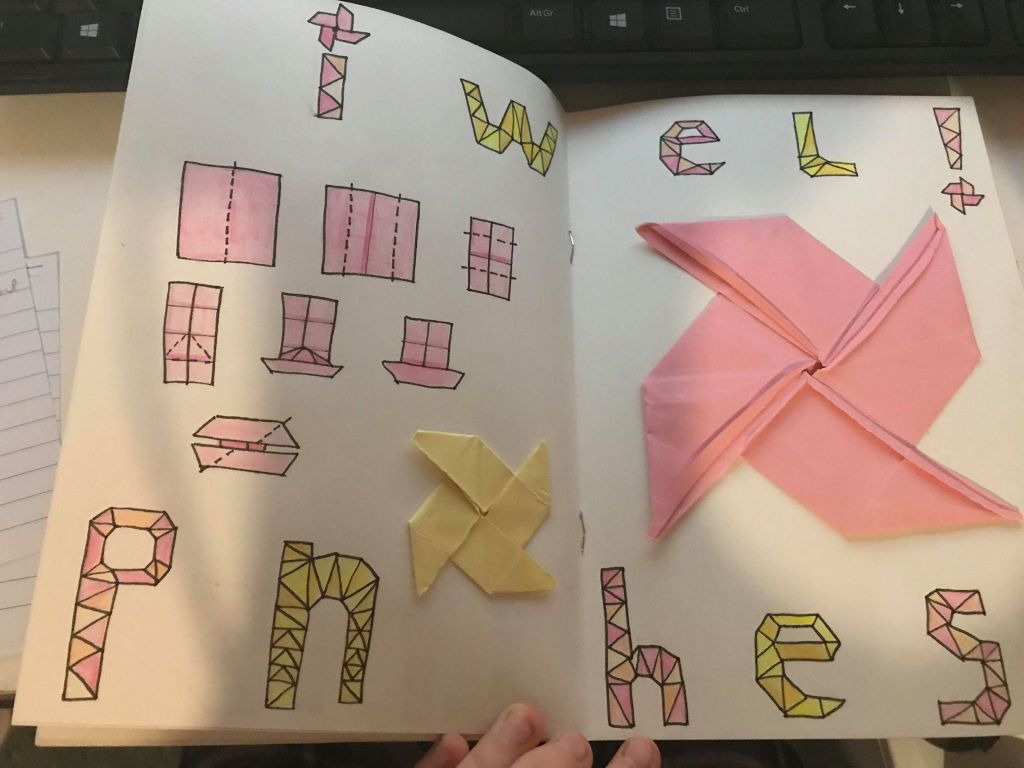
Pinwheel Origami –
With the pinwheels I would they would add a little bit more colour and visual appeal to the space. Being able to spin them in the direction and speed you want would have been fun, possibly being able to design them so you can have your own effect on the environment.
Overall I had a good start to my Sketchbook but fell off towards the end and didn’t get to finish what I had planned to do or go back and follow the annotation rule I wanted to stick by. For next project I want to try and focus on getting the basic work done first and go back through and make the work pretty when I have no other work to be finished. “perfectionist right here” 😀
 Nerice's Semester 2 portfolio